
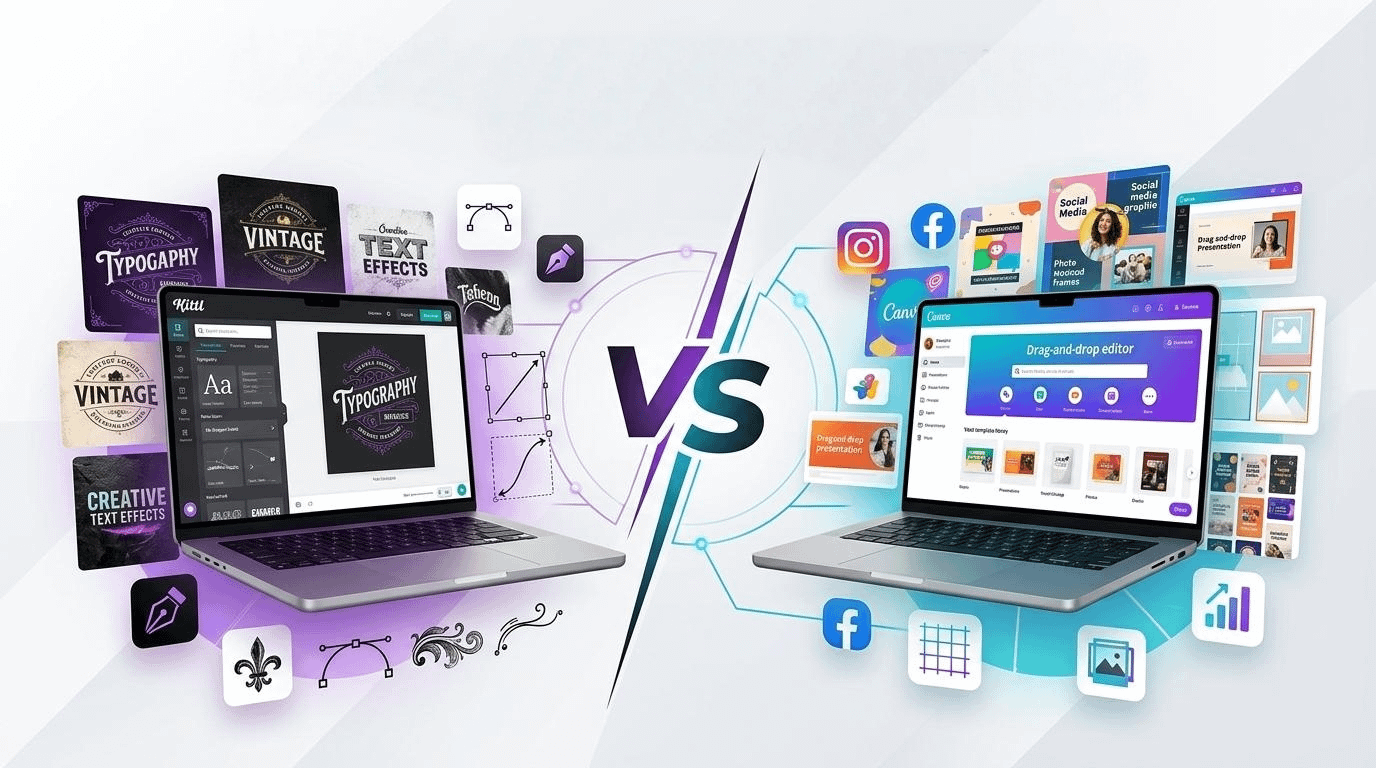
Which is better, Kittl or Canva? Honest Comparison for Designers & Creators
If you’re trying to decide between Kittl and Canva, the honest answer is this: neither one is “better” for everyone. The better tool depends on the kind of work you actually do when the deadline is real, the client is waiting, and your coffee has already gone cold.
That’s where most comparisons miss the point. They compare feature lists. But creators don’t really choose tools based solely on feature lists. We choose based on friction. Which one helps you get the idea out of your head faster? Which one makes your work look more polished with less fighting? Which one still feels good to use after the novelty wears off?
So here’s the honest version:
Choose Kittl if you care most about typography, merch design, vintage-style graphics, and making designs feel more “crafted.”
Choose Canva if you care most about speed, versatility, collaboration, and producing content at scale.
That’s the short version. Now let’s talk like real people.
Kittl feels more like a design tool for people who notice details.
The first thing many designers notice about Kittl is that it feels more intentional. It’s especially strong when your work depends on text effects, layout personality, decorative type, badges, logos, apparel graphics, posters, and print-on-demand designs.
Kittl has built a reputation around making typography look good without forcing you into a complicated Pro workflow. That matters more than it sounds. Many beginner-friendly tools let you place text. Kittl helps you style text.
And if you’ve ever spent way too long trying to make lettering look “expensive” inside a simple editor, that difference is immediately obvious.
This is why Kittl often feels better for:
- T-shirt and merch sellers
- Logo and badge-style creators
- Poster designers
- Vintage or retro-inspired designs
- Creators who want stronger text manipulation and mockup presentation
It also leans into print-ready work, mockups, AI tools, brand kits, and creator-focused workflows, which makes it especially appealing if your designs are meant to be sold, not just posted.
The catch? Kittl can feel narrower. In a good way, sometimes. But still narrower.
It’s not the tool I’d recommend first to someone who needs to crank out social posts, team presentations, client decks, quick videos, internal documents, and marketing assets all in the same week.
That’s where Canva becomes hard to beat.
Canva is the tool that wins on usefulness.
Canva’s biggest strength is simple: it is ridiculously practical.
It’s not always the most exciting design platform, and it’s not always the one that gives the most personality to your work. But it solves a huge number of creative problems in one place. Social posts, presentations, thumbnails, flyers, resumes, ads, whiteboards, videos, docs, websites, simple animations — Canva can handle all of it.
That convenience matters.
There’s a reason so many creators, marketers, freelancers, and small teams end up living inside Canva. It removes friction. You open it, pick a format, grab a template, adjust a few things, and publish. Done.
Canva is especially strong for:
- Social media content
- YouTube thumbnails
- Marketing graphics
- Presentations and pitch decks
- Team collaboration
- Brand management
- Fast content production
It also has a huge template ecosystem, real-time collaboration, content scheduling, brand kits, and a large app/integration marketplace. So if your work touches multiple platforms and multiple people, Canva usually makes more sense.
In plain English: Canva is less romantic, but more useful.
The real difference is depth vs range.
This is where the decision gets easier.
Kittl has more depth in certain visual styles.
Canva has a broader range across more use cases.
If you’re designing one strong product graphic, a shirt concept, a typographic poster, or a brand asset where style really matters, Kittl often feels more satisfied. It gives you that “this actually looks designed” feeling.
If you’re managing a content machine — Instagram, LinkedIn, YouTube, lead magnets, client assets, internal docs — Canva is just more efficient.
And honestly, that’s the part people don’t say enough:
Sometimes the “better” tool is not the one with prettier results. It’s the one you’ll actually keep using every day.
What about AI, templates, and ease of use?
Both tools now lean heavily into AI, templates, and faster workflows.
Kittl’s AI direction feels more tied to design generation, image tools, mockups, and creative styling. Canva’s AI is broader and more embedded into a general content workflow — things like image editing, writing help, resizing, background removal, translation, and multi-format publishing.
So, again, it comes down to your work style.
- If you want AI to help improve the design, Kittl is compelling.
- If you want AI to help you make more content faster, Canva is stronger.
As for ease of use, Canva is still the easier recommendation for most people. It’s more intuitive for general users, especially beginners and teams. Kittl is still beginner-friendly, but it has a slightly more design-first feel.
So, which is better?
Here’s my honest verdict:
Kittl is better for designers and creators who care deeply about visual character.
It shines when typography, merch, style, and polish matter most.
Canva is better for creators and businesses who need speed, flexibility, and volume.
It’s the most complete everyday tool.
If I had to say it in one sentence:
Kittl helps you make better-looking niche designs. Canva helps you make more things, faster.
And that’s probably the most honest comparison possible.
Because the truth is, many creators will eventually use both. Canva becomes the workhorse. Kittl becomes the specialist you open when you want the design to have more edge, more personality, or more craft.
If you only want one tool, ask yourself this:
Are you mostly designing to publish content, or designing to create standout visuals?
If it’s content, go with Canva.
If it’s standout visuals, go with Kittl.
That’s your answer.